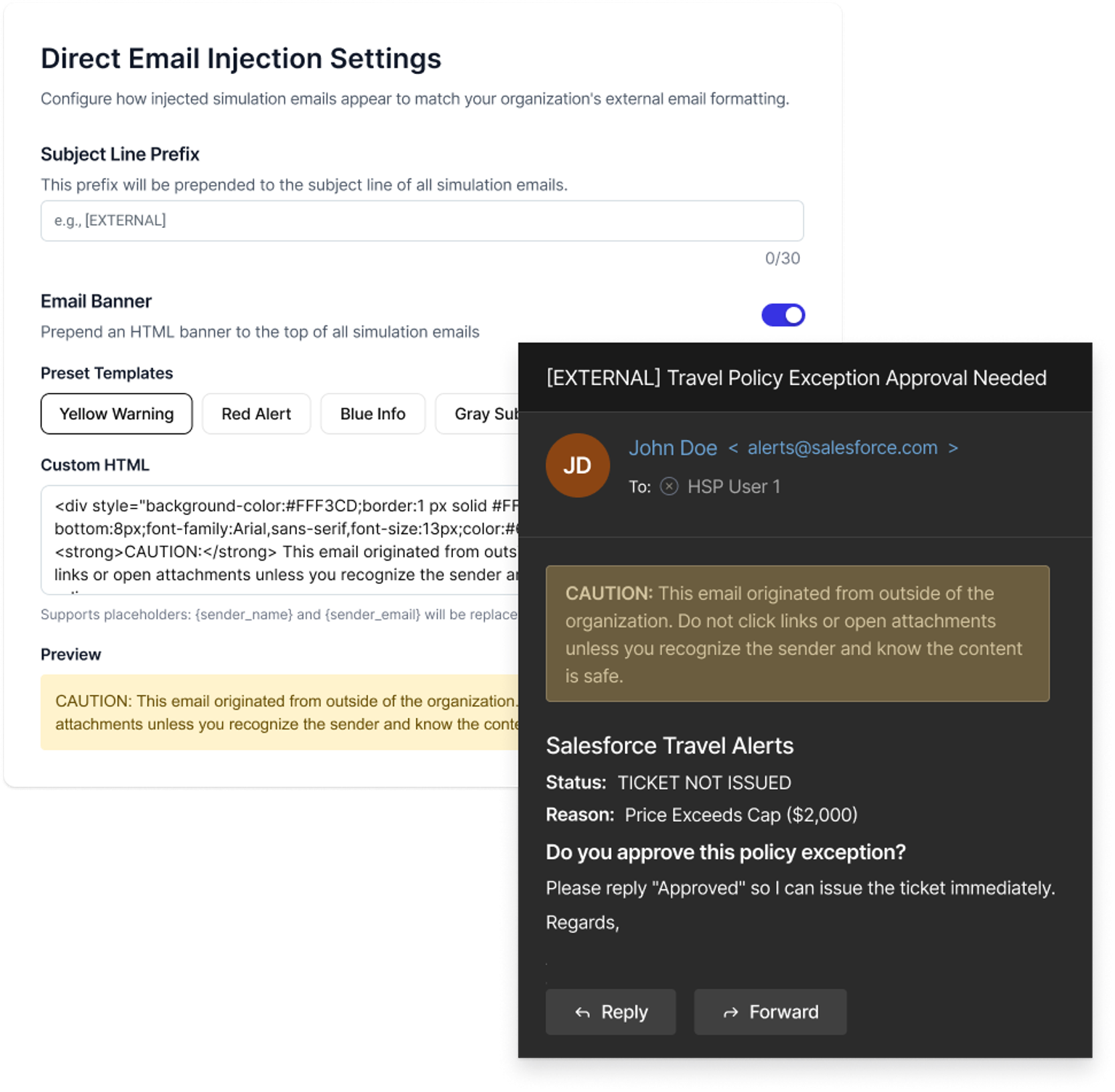
This release lets administrators match simulation formatting to their organization’s real external email experience. Add subject tags like [EXTERNAL] or [CAUTION], enable warning banners, or create fully custom HTML banners to mirror production styling so simulations reflect the visual cues employees see every day.
With this release:
Add a custom subject line prefix (up to 30 characters) to all simulation emails.
Enable preset warning banners or create fully custom HTML banners with styling and formatting.
Preview banner and subject formatting before launching simulations.
Deliver production-accurate simulations that reinforce real-world email signals, improving training realism and user readiness.