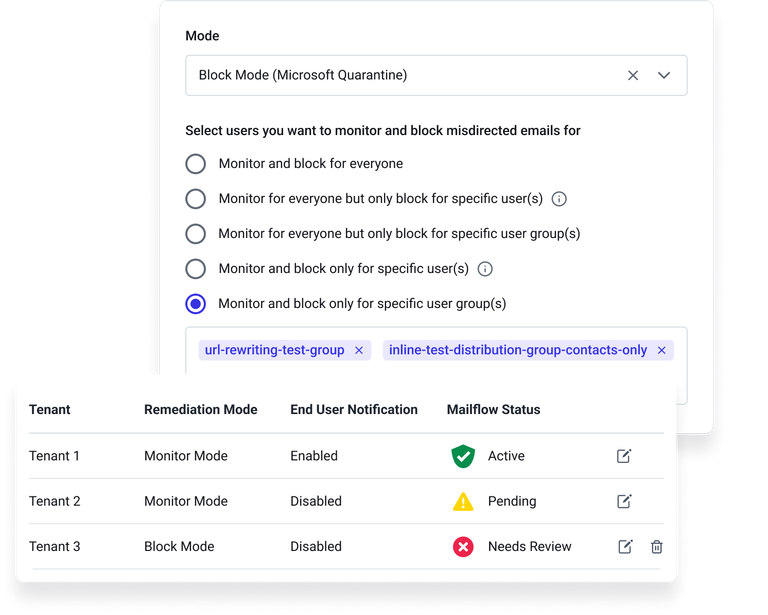
We’ve made it easier than ever to understand whether Misdirected Email Prevention (MEP) is working as expected, and to introduce it to your organization at the right pace.
Instant clarity on system health
You can now see simple status indicators in both Misdirected Email Settings and the Outbound Log, so you can immediately confirm that outbound mail is flowing normally and protection is turned on. This means less guesswork, faster resolution when something looks off, and greater confidence that employees are protected.
Roll out protection exactly where you need it
You can now enable MEP for specific users, groups, or departments. This targeted rollout helps you:
- Protect your highest-risk teams first
- Show quick wins to stakeholders
- Expand coverage in a controlled, low-friction way
To try these enhancements, go to Settings → Misdirected Email Prevention.