
Key Insights
When Abnormal introduced AI Security Mailbox, the mission was simple: automate the user-reported phishing workflow while providing accurate, actionable feedback to every employee who clicks "Report Phishing." And while many customers have already customized AI Security Analyst with tone, templates, and policy callouts, the mailbox supports far more detailed tuning.
Below are six best practices to help security teams extend AI Security Mailbox beyond triage toward a more strategic, dynamic, behavior-aware interface that reinforces security programs across the organization.
1. Reinforce Your Organization’s Risk Signals
Abnormal detects risk using behavioral anomalies and social graphs, and employees benefit from understanding how those signals drive verdicts.
One way to reinforce these signals is by configuring AI Security Mailbox to explain verdicts in behavioral terms, using prompts such as:
“Explain verdicts using behavioral context. For example: ‘This message was flagged because it came from a sender outside your normal communication patterns, using an urgent tone uncommon in your prior email history.’”
This allows employees to see that verdicts are based on behavioral deviation, not surface content, strengthening trust in behavioral AI as a more precise form of risk detection.
2. Coach on How to Use Reporting Tools Effectively
Employees don’t always know what to report. AI Security Analyst can help clarify which signals are worth flagging and when escalation is appropriate.
One way to provide this coaching is by configuring AI Security Mailbox to guide employees on what to flag with prompts such as:
“When responding to graymail reports, include a sentence explaining what types of emails are most helpful to report (e.g., suspicious financial requests, unknown senders asking for action, or tone that feels off)."
Tailored coaching reduces noise in the mailbox and directs employees toward higher-value reports.
3. Address False Positives Head-On
When employees submit messages that are safe but appear malicious, the moment becomes a valuable learning opportunity.
One way to turn these moments into effective coaching is by configuring AI Security Mailbox to acknowledge caution and explain why a message was safe, using prompts such as:
“When a message is safe but was understandably suspicious, affirm the employee’s caution. Say something like: ‘Great eye—this looked like a [type of attack] attempt at first glance due to [reason]. However, we confirmed it’s safe based on [explanation]. Keep up the vigilance.’”
This approach reinforces employee confidence by explaining why a suspicious-looking message was ultimately safe, while encouraging continued reporting without hesitation.
4. Build Language Trust Across Global Teams
Many global organizations struggle with inconsistent responses across multilingual teams. Structured, multilingual templates help maintain confidence and clarity.
One way to maintain this consistency is by configuring AI Security Mailbox to respond in the employee’s primary language, using prompts such as:
“Respond in the employee’s primary language first (based on email locale). Then include the English version below, separated by a ‘—’. Ensure both versions contain the same level of security explanation, not just a basic translation.”
This approach ensures equitable security coaching across global teams, reducing confusion and improving engagement among multilingual users.
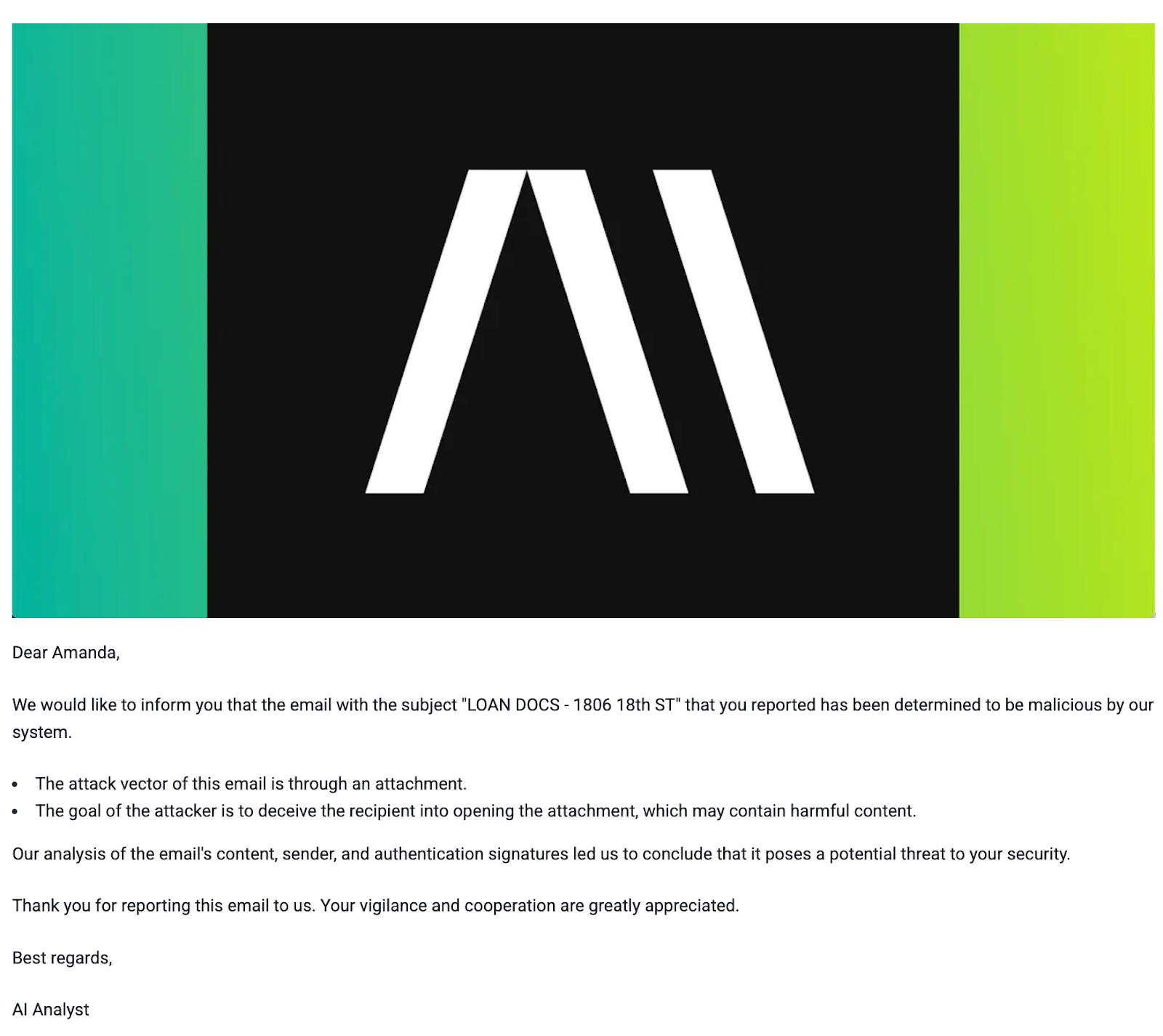
5. Brand Your AI Security Analyst Responses with Custom Visual Headers and Footers
Customizing AI Security Analyst responses is essential. Visual branding plays an important role in reassuring users that each message comes from a trusted, authoritative source.
With AI Security Mailbox customization, teams can add custom images or logos to the header or footer of their AI Security Analyst responses. This reinforces the security team’s presence, strengthens brand consistency, and ensures responses look polished when shared or forwarded.
By combining response customization with visual branding, AI Security Mailbox moves beyond reporting to deliver consistent, trusted security guidance across the organization.
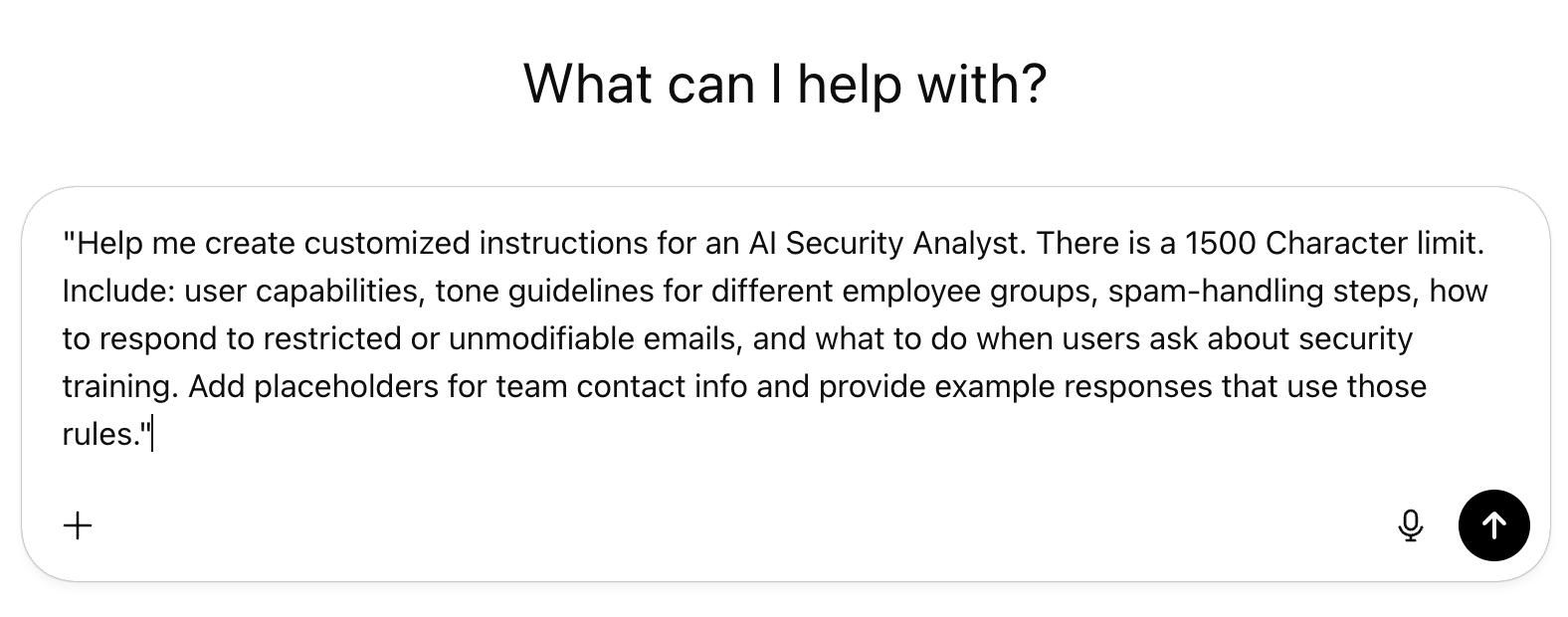
6. Leverage GPT Agents for Fully Customized, Scalable Responses
As security programs become more sophisticated, organizations can take customization even further by pairing AI Security Mailbox with GPT-powered agents like ChatGPT, Gemini, or Claude.
These agents can dynamically craft tailored responses based on employee behavior, organizational policies, and situational context—without requiring manual rule-building. Instead of relying solely on static templates, GPT agents can interpret the nuances of a reported message, reference your internal guidelines, and generate clear, consistent, and brand-aligned replies at scale.
The result is a more adaptive, personalized experience that strengthens security culture while reducing operational burden.
AI Security Mailbox as a Security Communications Channel
Beyond automating phishing triage, AI Security Mailbox functions as a programmable, proactive security assistant embedded in the organization. Each message offers a chance to reinforce key behaviors, clarify policies, and reflect the maturity of your security program. These best practices can help teams build a more customized, effective, and human-centric experience without increasing SOC workload.
For additional details or support configuring AI Security Mailbox, contact an Abnormal Customer Success Manager or schedule a personalized demo.