Attack Overview
Step 1: Fraudulent LastPass Maintenance Email Delivered to Target
The attacker sends a phishing email impersonating LastPass, warning of scheduled maintenance and urging a vault backup.
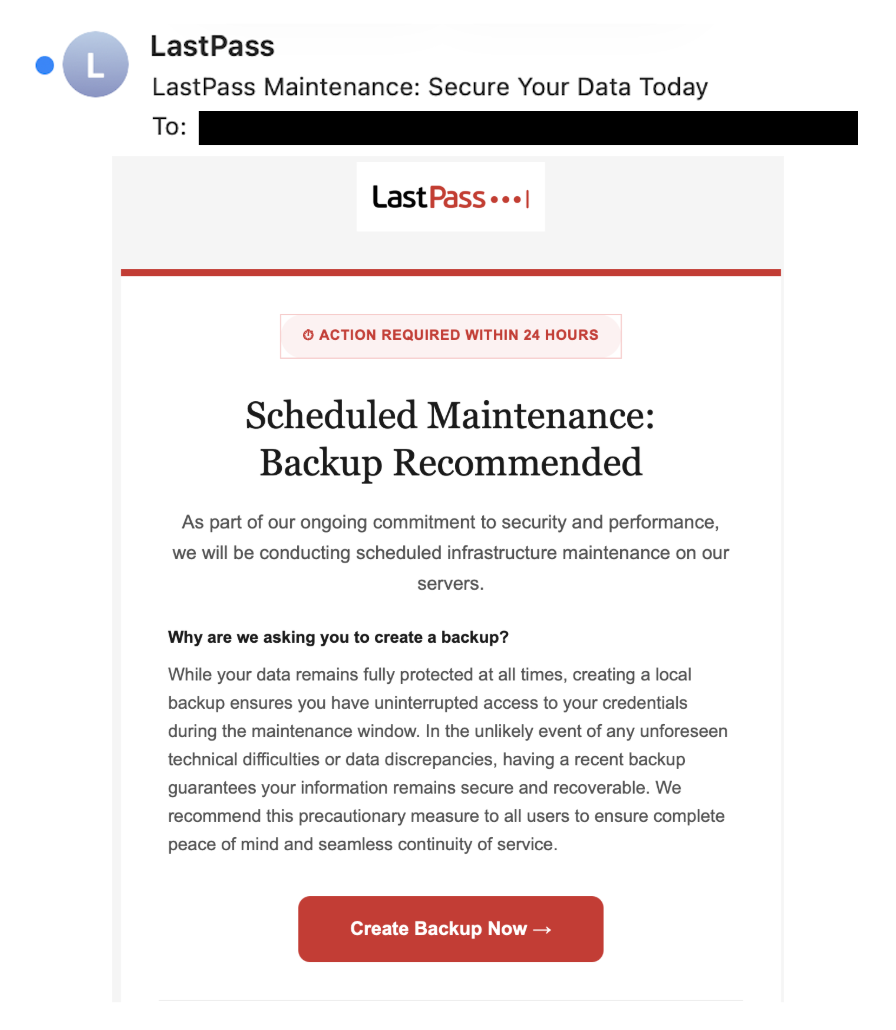
- Email closely mimics official LastPass branding, styling, and messaging
- A 24-hour deadline creates artificial urgency to prompt immediate action
- Call-to-action button labeled "Create Backup Now" encourages the recipient to click
Step 2: Target Routed Through Redirect Chain to Phishing Page
Clicking the link routes the target through a series of external domains before reaching a fake LastPass login page.
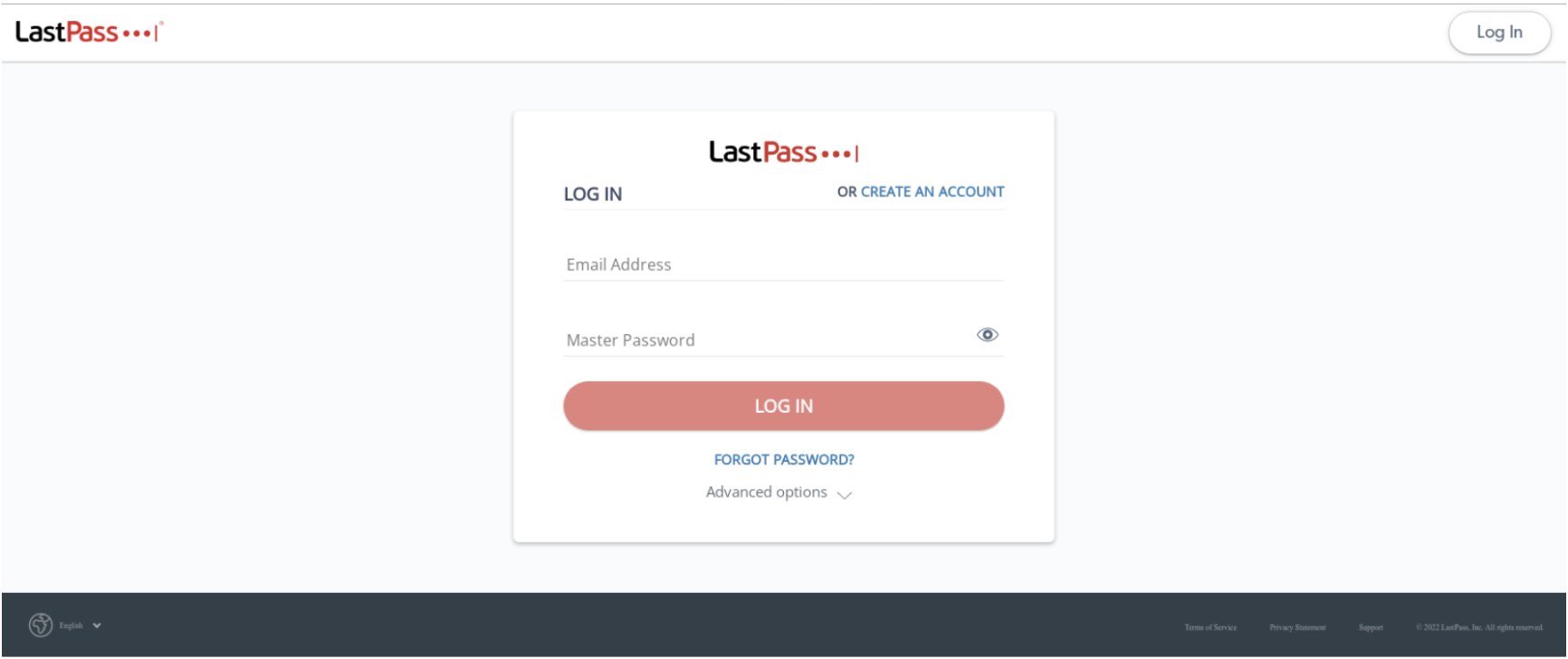
- Initial redirect page is hosted on a legitimate Amazon AWS bucket
- Multi-step redirect chain obscures the final malicious destination from security tools
- Landing page convincingly replicates the official LastPass login interface
Step 3: Master Password Harvested and Vault Contents Exposed
Any master password entered on the fake login page is immediately captured by the attackers.
- Stolen master password grants full access to the target’s entire password vault
- Exposed data includes saved credentials, payment details, and sensitive notes
- In some cases, attackers followed up with phone calls to increase pressure
How Does This Attack Bypass Traditional Email Defenses?
- The email closely mimicked official LastPass styling and messaging, making it visually convincing to recipients.
- The initial redirect page was hosted on a legitimate Amazon AWS bucket, evading domain-based reputation checks.
- The multi-step redirect chain obscures the final phishing destination from traditional URL scanning tools.
For these reasons, traditional security solutions, such as legacy secure email gateways (SEGs), would be less likely to flag this email as a threat.
How Did Abnormal Detect This Attack?
- Abnormal's Behavioral AI flagged the never-before-seen sender and unusual email content as anomalies.
- Abnormal identified suspicious URLs and redirect patterns that indicate a novel phishing attack.
- Content analysis and natural language processing recognized urgency cues and financial implications as threat indicators.
By recognizing established normal behavior and detecting these abnormal indicators, a modern email security solution has the ability to prevent this attack from reaching inboxes.
Please note the exact detection mechanism from Abnormal AI's system might include proprietary techniques and methodologies not disclosed here.
