
Key Insights
On the morning of March 11, 2026, employees at a global manufacturer powered on their laptops to find them wiped. Login screens had been replaced with the logo of Handala, an Iran-linked hacktivist persona attributed to an actor affiliated with Iran’s Ministry of Intelligence and Security. The group claimed data erasure across more than 200,000 systems and the exfiltration of 50 terabytes of corporate data.
The breach did not begin with a zero-day. It began with a compromised admin credential, most likely from phishing or infostealer activity, that gave attackers access to the company’s Microsoft Intune tenant. Intune is the platform that thousands of organizations use to manage their employee endpoints, and one of its built-in capabilities lets admins remotely wipe enrolled devices in case a laptop is lost or stolen. Once Handala held the Intune admin keys, they pointed that capability at every endpoint the company had enrolled and triggered a simultaneous wipe.
For every Microsoft 365 customer, the lesson is layered. When essential phishing defenses provide sufficient coverage, attackers shift to side channels like infostealers, leaked credentials, and compromised third parties. What determines blast radius from there is whether the SaaS administrative planes that run the business, including Intune, Entra ID, Defender, and Purview, are configured tightly enough to ensure that a single compromised admin account cannot take an organization offline.
At Abnormal, we believe two short-term controls deserve immediate attention from every defender:
- Review standing admin permissions across Intune and Entra ID to keep the privilege that a stolen credential can exercise as limited as possible.
- Enforce multi-admin approval for destructive Intune actions like device wipe, retire, and delete so a single compromised account cannot take the company offline.
Both are addressable today inside Abnormal Security Posture Management (SPM).
To explore how Abnormal SPM helps you detect and remediate Microsoft 365 configuration drift before attackers can exploit it, schedule a personalized demo.
Schedule a DemoWhat Security Posture Management Delivers
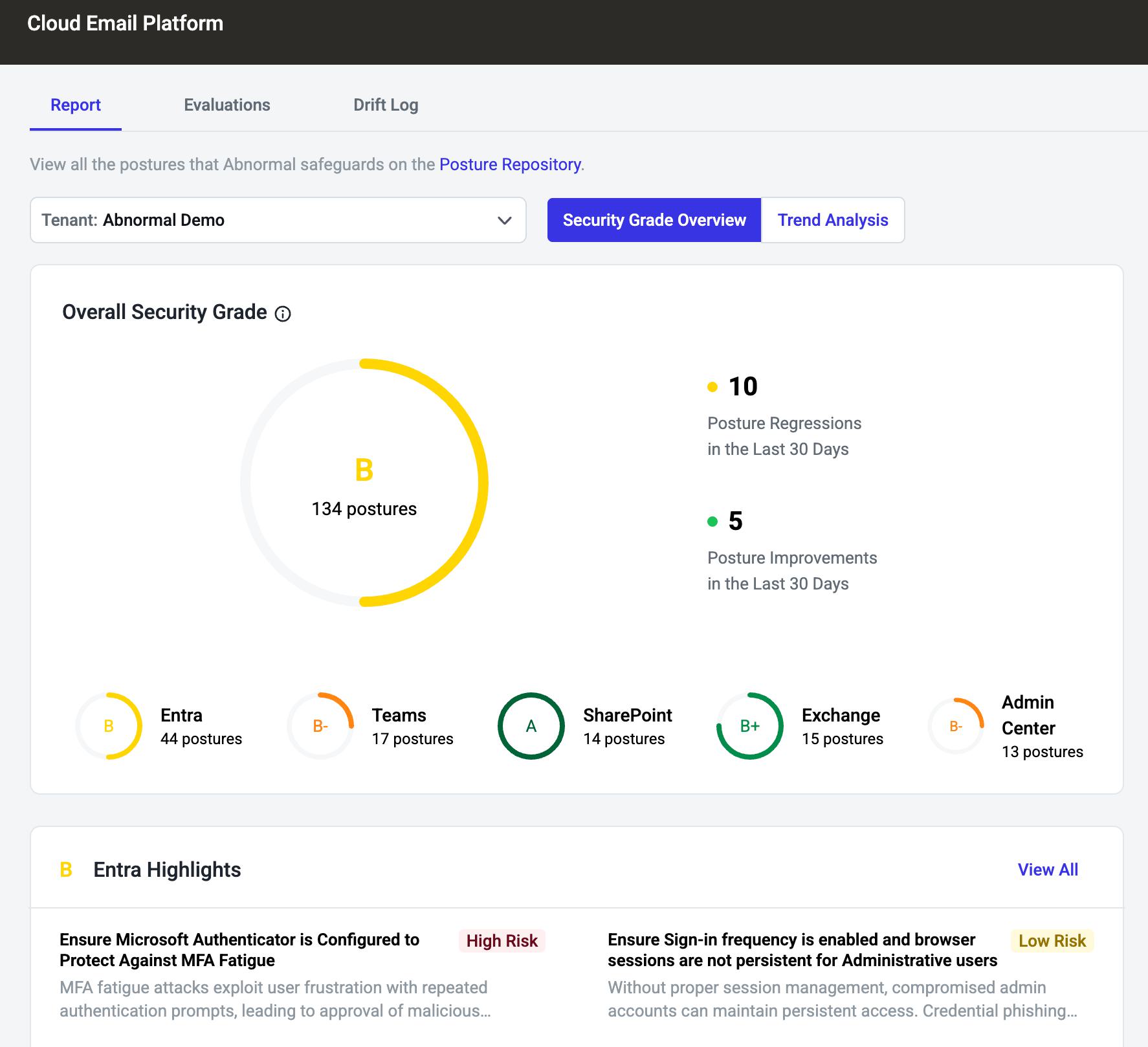
Abnormal launched Security Posture Management in 2023 to give security teams continuous visibility into Microsoft 365 configurations and identities that legacy email tools never see. SPM benchmarks a tenant against CIS and Microsoft best practices, detects configuration drift, and walks teams through guided remediation. We built it because misconfiguration has become the leading way attackers turn stolen credentials into operational damage, and a quarterly audit is no longer fast enough to keep up with modern attacks. Over the last six months, we have made SPM materially better across every part of that job.
Drift Detection That Explains Itself
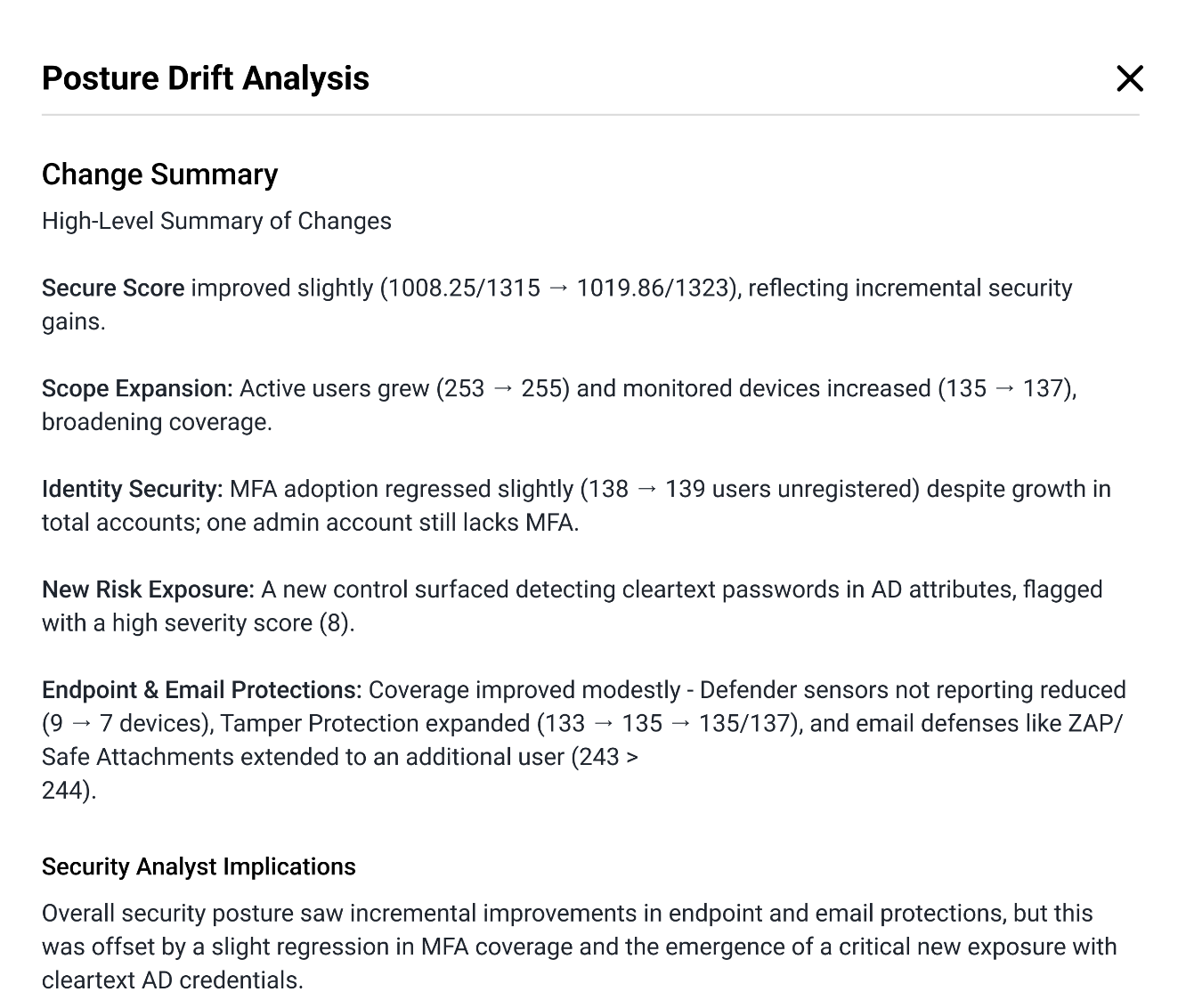
The Drift Log inside SPM now shows a side-by-side JSON view for every configuration change, alongside a GenAI Posture Analysis Summary that translates raw configuration deltas into plain-language explanations of what changed and why it matters. Your SOC analyst no longer needs to parse JSON to understand whether a privileged role policy has been loosened or an audit log has been disabled. What used to be a 20-minute investigation is now a 30-second read.
Coverage That Follows the Attacker
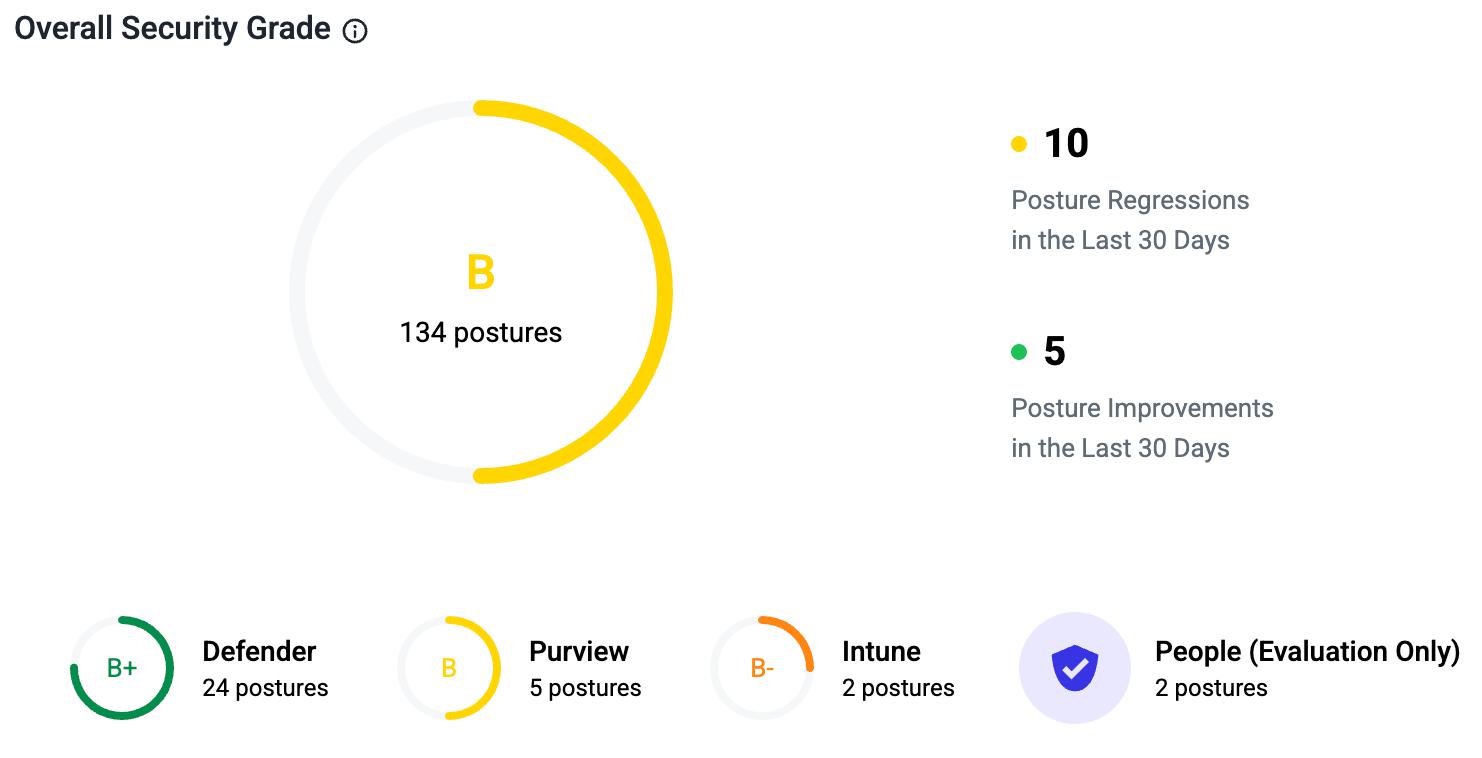
SPM has expanded to first-class coverage of Microsoft Defender, Microsoft Purview, privileged role escalation policies, and Microsoft Intune-managed devices, covering the exact configurations attackers reach for after the initial breach, including the Intune mass-wipe and Entra ID privilege patterns at the center of the Handala incident. All access is via read-only Microsoft Graph. If your Intune tenant is missing multi-admin approval on destructive actions today, SPM flags it. If a privileged role policy gets loosened tomorrow, it shows up in your queue accompanied by an explanation. The expansion is informed by Abnormal’s threat intelligence on Iran-aligned cyber operations.
Built for Security Operations, Not Just Dashboards
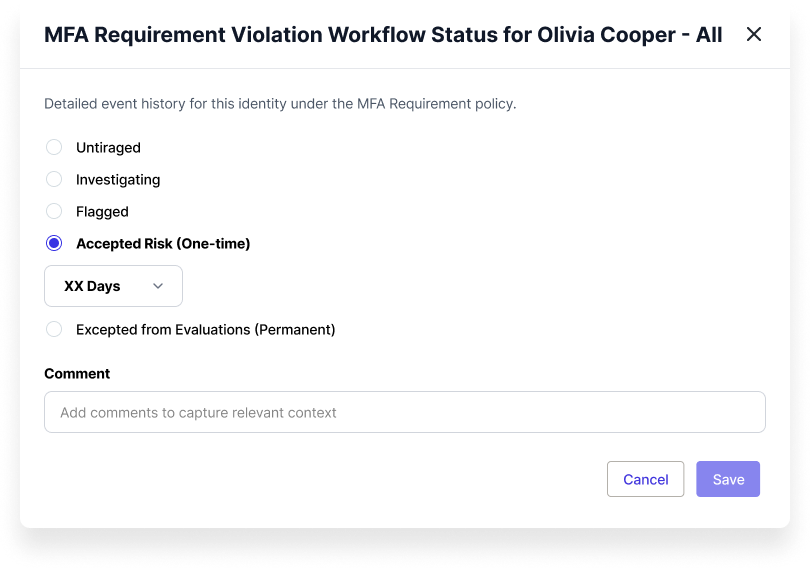
The new Exception Workflow lets teams suppress findings in a controlled way: time-bounded Accepted Risk decisions that auto-expire, or permanent Excepted from Evaluations carve-outs for postures that do not apply. Every exception requires written justification and lands in an immutable Activity Timeline. Smarter sort logic surfaces Critical and Investigating findings first, and Platform Integration Alerts proactively notify admins the moment an SPM connector stops functioning. Your team arrives at every audit with a defensible record of who approved what.
What This Means for Microsoft 365 Defense
The Handala incident is a reminder that strong phishing defense, while essential, is not the whole story. When attackers arrive through side channels, damage containment depends on whether your SaaS administrative plane is configured tightly enough to keep a single compromised account from taking the company offline. Over the last six months, SPM has evolved into a continuous, explainable, and customizable component of the modern Microsoft 365 defense stack, sitting alongside the inbound email defenses that more than 4,500 customers already rely on.
Most of these capabilities already live in every SPM tenant. If you are an Abnormal customer who has not yet enabled Security Posture Management, schedule a demo to see what has changed.
Schedule a Demo