
Messaging Security
Stop Collaboration Threats Native Controls Miss
Of all phishing alerts originated from collaboration tools, up 30% from the prior four months
Palo Alto Networks 2026
320 million monthly active users on Microsoft Teams.
Microsoft
The Challenge
Collaboration Apps Are a Second Inbox — and a Blind Spot
Why Abnormal
Immediate Teams and Slack Inspection, Unified with Email
Abnormal inspects every message and unifies the response.
Continuous API-Native Inspection
Built on API-native integrations with Microsoft 365 and Slack, Messaging Security inspects both in near real time and auto-remediates malicious messages without disrupting users.
Unified Cross-Channel Threat Log
Teams and Slack detections appear alongside email threats in one Threat Log, so analysts investigate cross-channel attacks without hunting across tools.
Built for Collaboration Security
Investigate and Remediate Cross-Channel Threats in One Place
URL and File Inspection
Monitors Teams chats and channels, and Slack channels, DMs, and threads, for suspicious URLs and high-risk attachments in near real time.
Automated Remediation
Uses admin-defined policies to block or safelist malicious messages: Teams messages are blocked with optional sender override-with-justification; Slack messages are tombstoned (replaced with a placeholder), with a one-time safelist reversal to correct a false positive.
Zero-Persistence Attachment Scanning
Scans Teams and Slack file attachments inline for high-risk file types using a zero-persistence architecture that processes files in memory without storing them.
Security on Autopilot
Abnormal’s autopilot extends from email into Teams and Slack — auto-remediating malicious messages, firing high-severity alerts, and surfacing everything in one Threat Log.
Remediate Threats Your Way
Customize remediation policies for Teams and Slack messages by threat type and per-tenant.
Trusted by 5,000 Organizations, Including 30% of the Fortune 500


.svg)












Customer Voice
What Security Leaders Say
“Abnormal's automation gives our analysts time back to work on other projects, and the fact that it's API-based gives us flexibility to tie in other applications and their data.”

John Roeser
Senior Manager, Information Security, Domino's
“Our goals are to get away from being so reliant on human judgment and leverage AI to be proactive. Abnormal helps us with those goals.”

Corey Kaemming
Senior Director, Information Security, Valvoline
Abnormal powers 5,000 customers, including 30% of the Fortune 500.
FAQ
Related Resources
.png&w=3840&q=75)

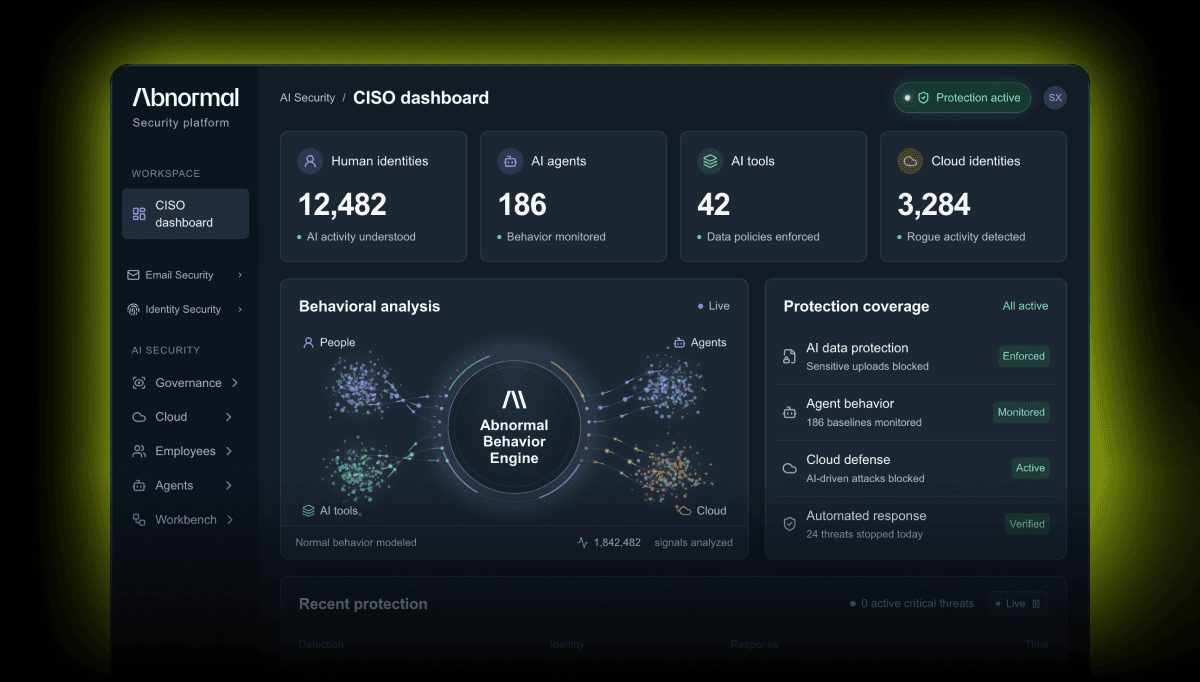
Extend Protection Beyond Email
See how Abnormal secures Microsoft Teams with the same behavioral AI.