Attack Target Summary
Attack Overview
Step 1: Email
A compromised vendor account sends a proposal-themed email referencing a shared file hosted in Figma. The email appears legitimate, mimicking common business workflows.
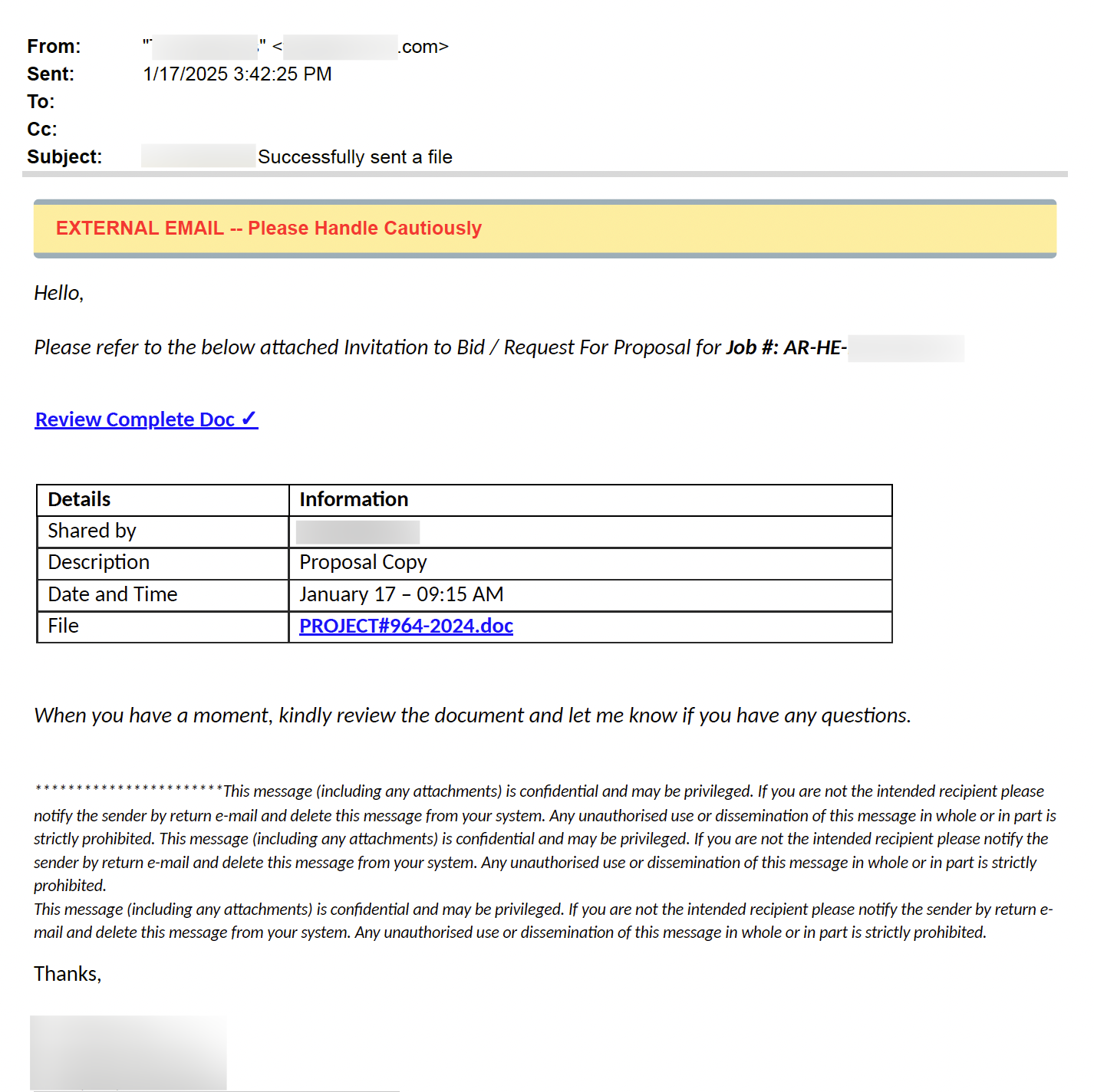
- Message references an attached bid/proposal request.
- Embedded link in the file directs to a phishing page.
- Email appears to originate from a legitimate business contact.
Step 2: Malicious Figma Document
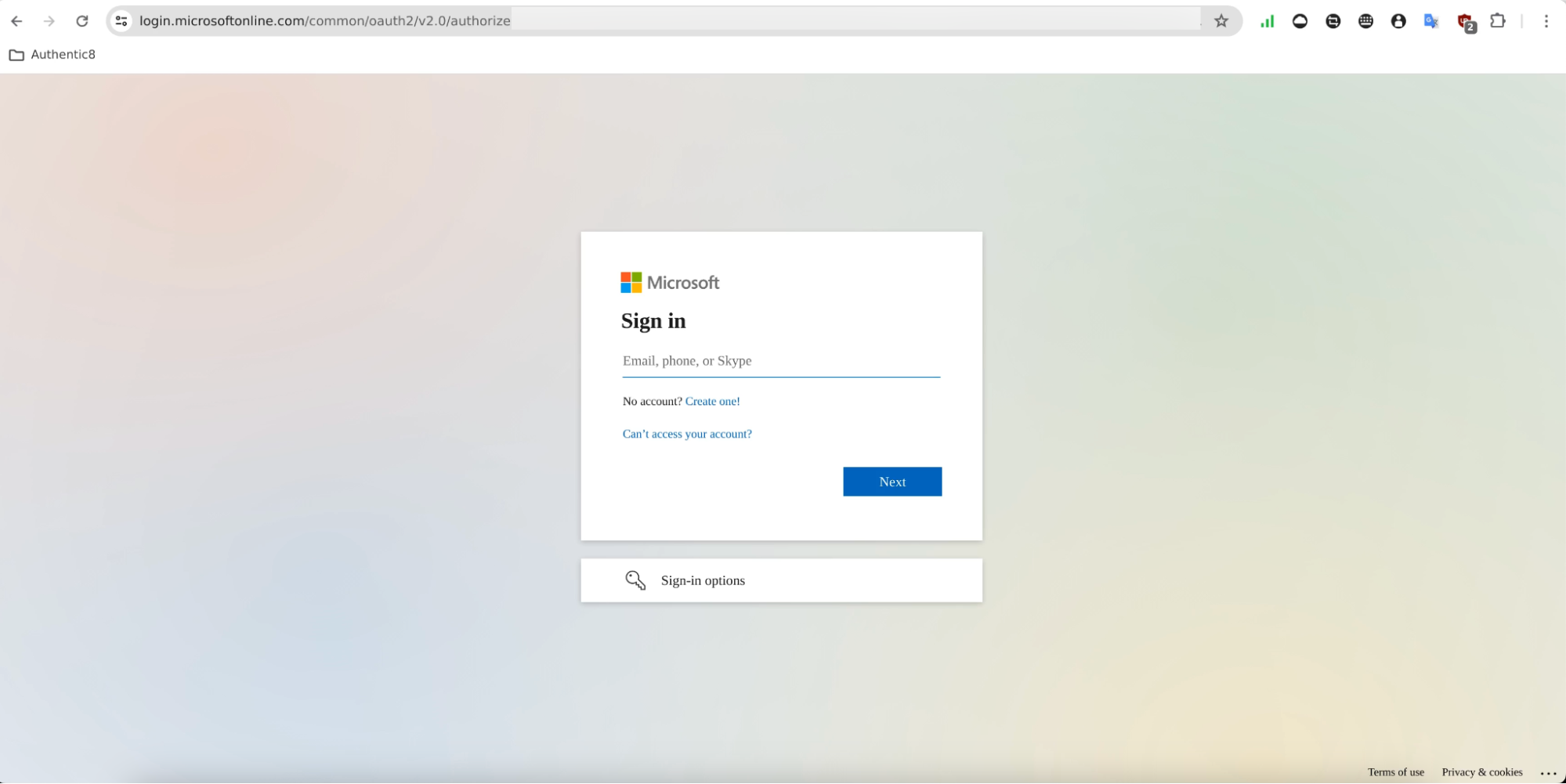
The shared Figma file contains a clickable element labeled as a project file. This link directs to a fake Microsoft 365 login page.
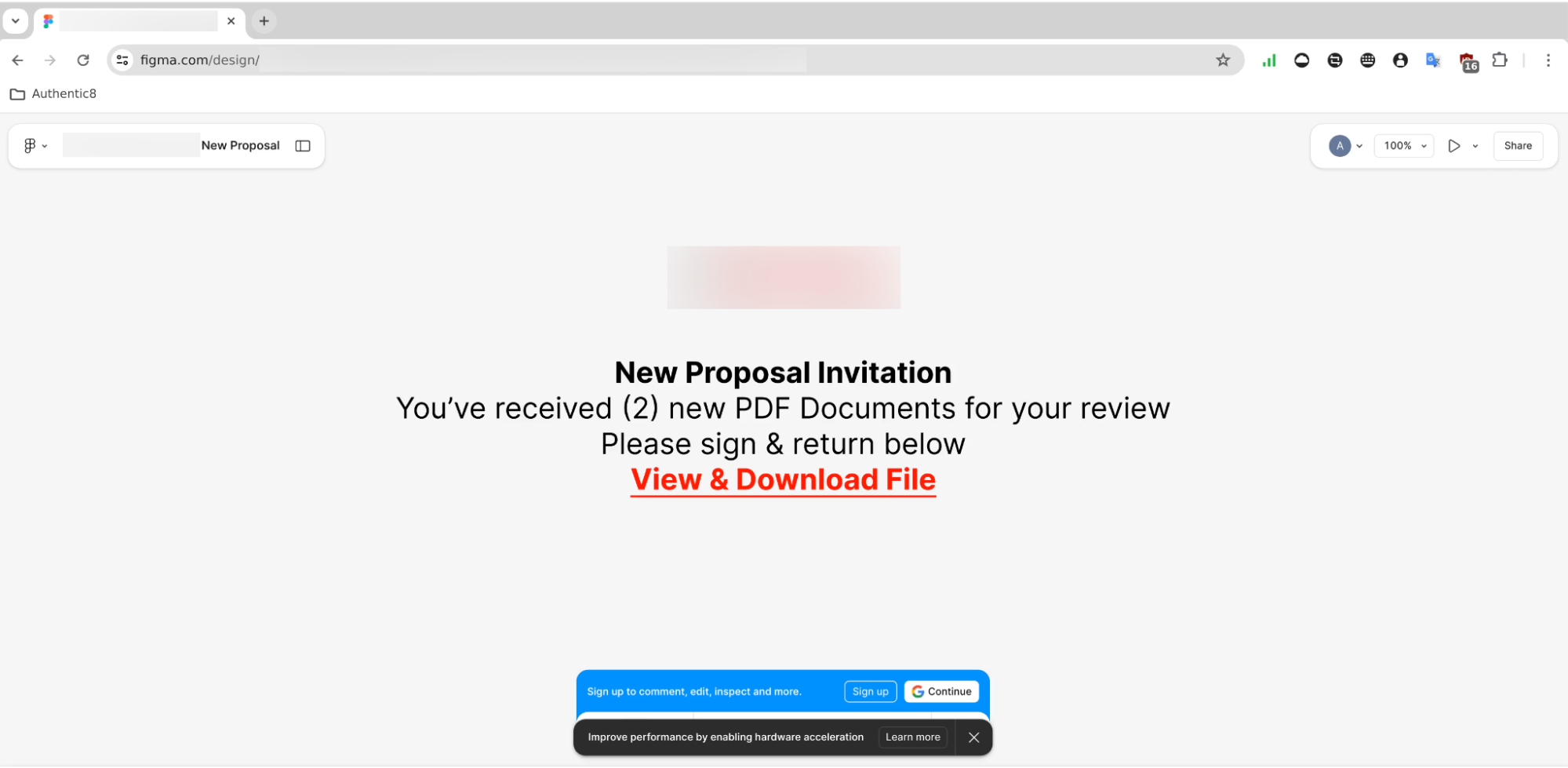
- Figma file includes interactive phishing link.
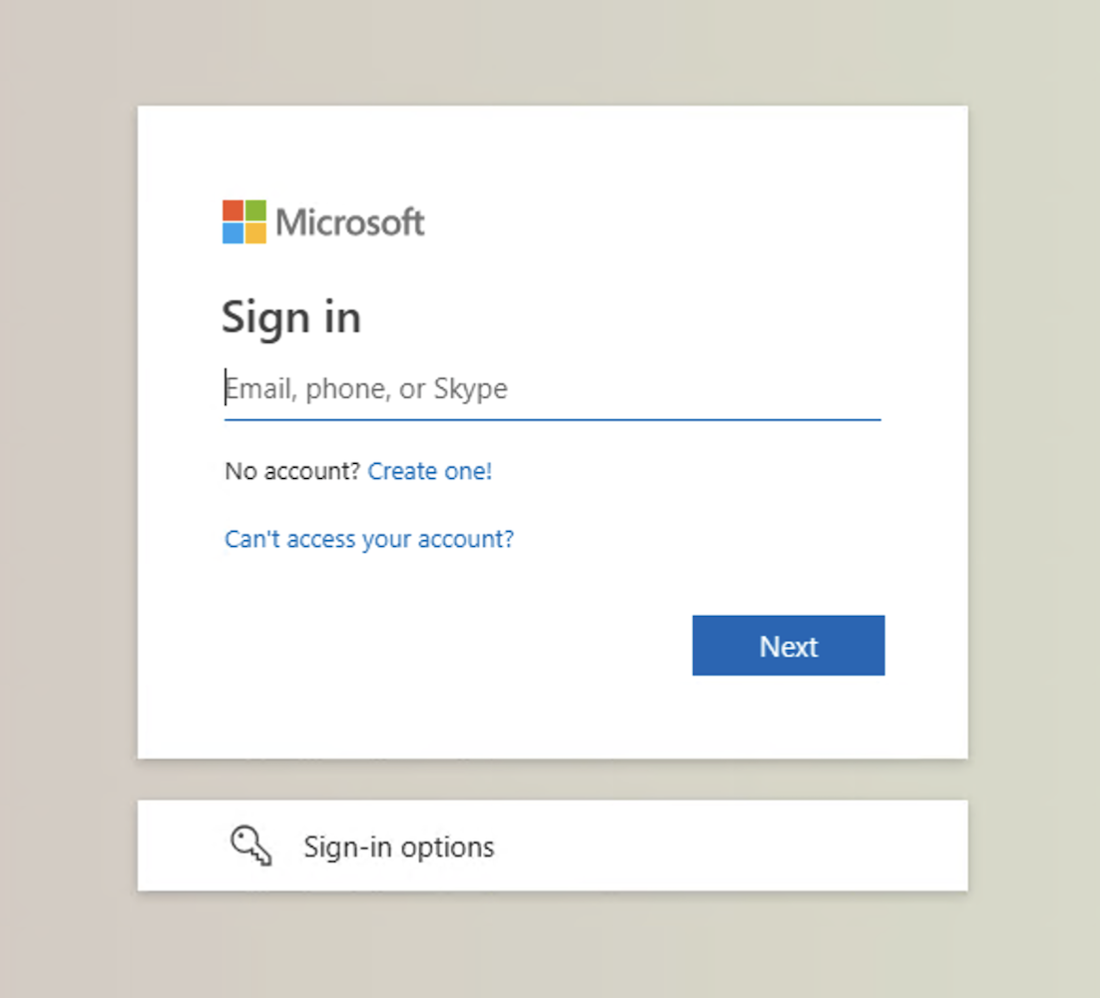
- Link leads to a spoofed Microsoft login interface.
- Designed to deceive users into entering credentials.
Step 3: Phishing Site with Turnstile Protection
Before reaching the spoofed login page, users are required to pass a Cloudflare Turnstile. This step blocks bots and lends perceived legitimacy to the phishing site.
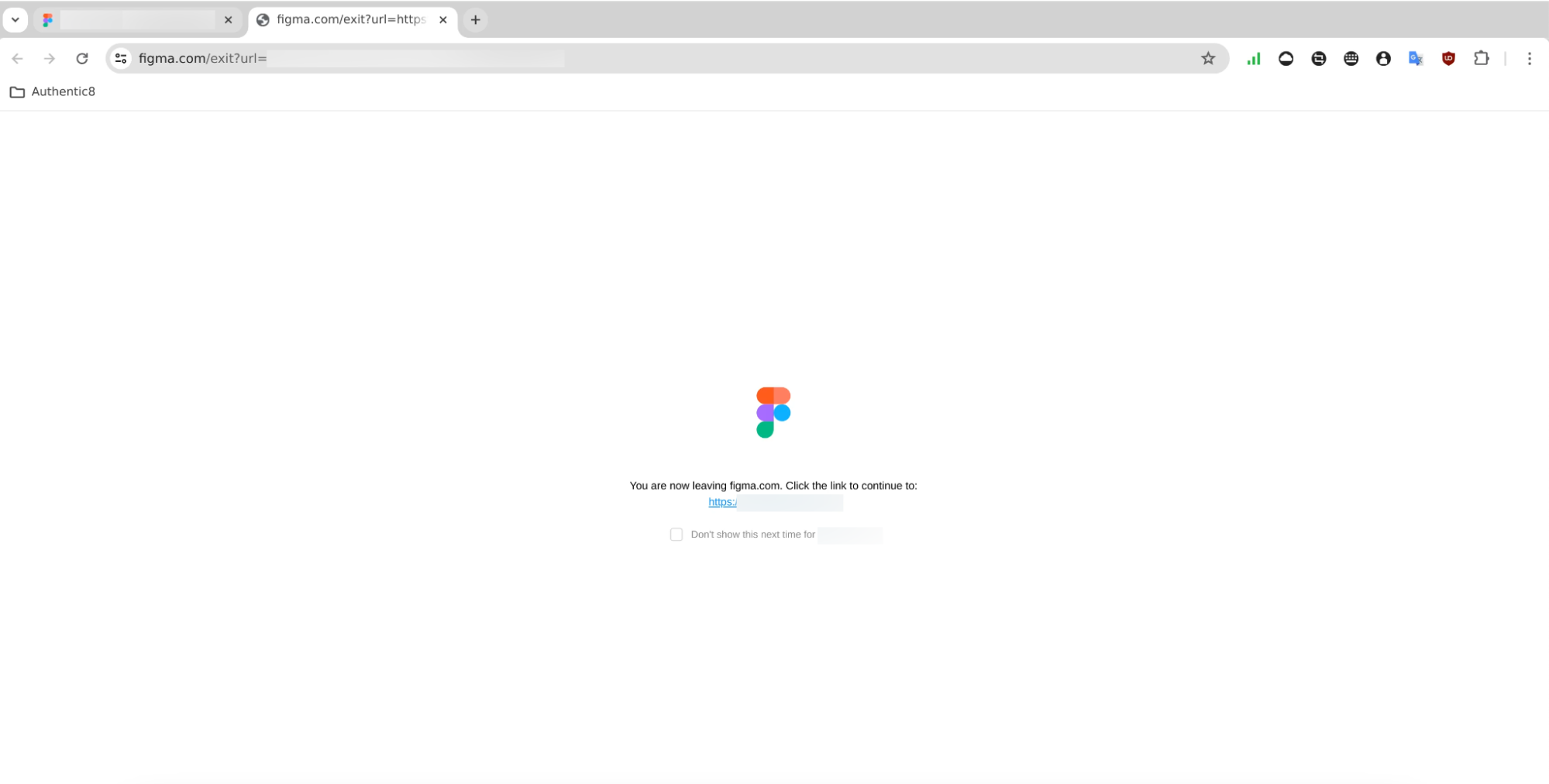

- Cloudflare Turnstile prevents automated security tools from crawling the link.
- Makes the phishing site seem more secure to users.
- Enhances credibility and reduces suspicion.
Step 4: Final Destination (Spoofed Microsoft Login)
How Does This Attack Bypass Email Defenses?
This email attack bypasses traditional security solutions for several reasons, including:
- Originated from a compromised vendor domain that passed SPF, DKIM, and DMARC.
- Phishing link was hosted within a Figma design file on a trusted platform
- Cloudflare Turnstile limited automated analysis of the final phishing destination.
How Did Abnormal Detect This Attack?
This attack was detected using AI and ML by analyzing various factors, including:
- Anomalies in sender behavior and file-sharing patterns.
- Suspicious embedded URLs in cloud-hosted files.
- Financially themed language tied to business proposals.
By recognizing established normal behavior and detecting these abnormal indicators, a modern email security solution has the ability to prevent this attack from reaching inboxes.
Please note the exact detection mechanism from Abnormal Security's system might include proprietary techniques and methodologies not disclosed here.