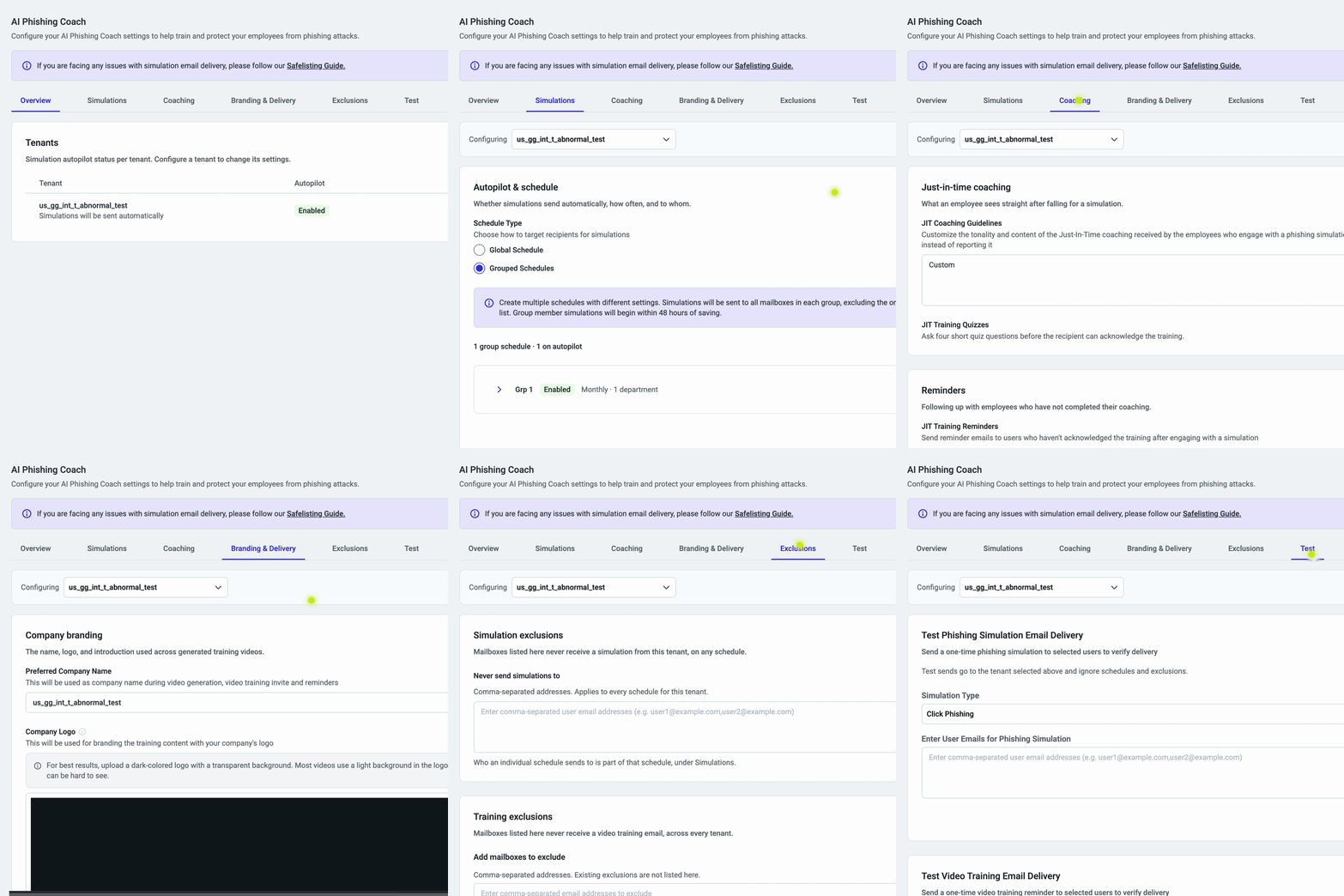
The AI Phishing Coach Settings page is now simpler to navigate, with every control grouped into six tabs by topic. Instead of clicking through a tenant table and nested drawers, admins start on an Overview of every tenant’s autopilot status and go straight to Simulations, Coaching, Branding & Delivery, Exclusions, or Test. Every setting is still there, at most two clicks away, with saved configurations unchanged.
With this release:
Settings are grouped by topic, starting with an Overview of every tenant’s autopilot status
- Tenant Level / Account Level labels show what each change affects
- One Save covers edits across every tab, with the option to discard them
Setting up and fine-tuning AI Phishing Coach has never been easier, especially for organizations managing multiple tenants.