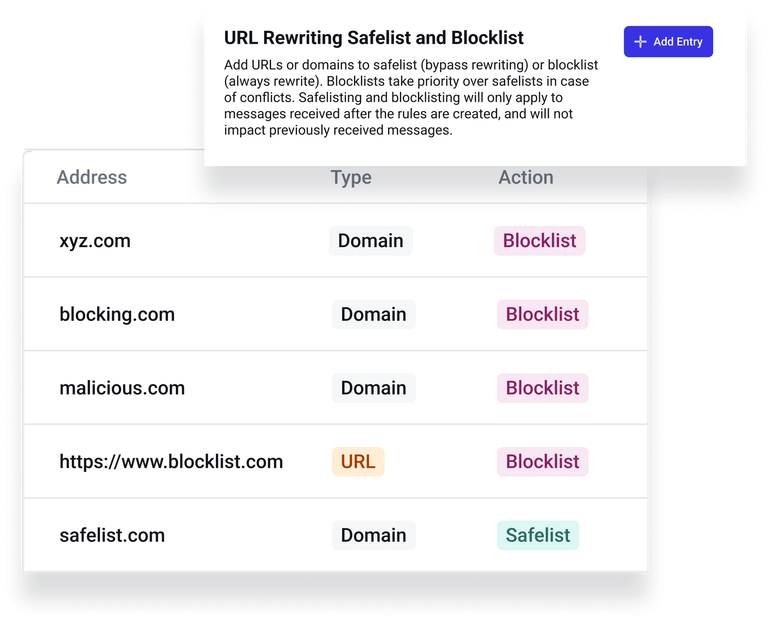
Customers now have complete control to configure safelists and/or blocklists directly within URL Settings in the Abnormal Portal.
To add a domain or URL:
- Navigate to Settings > Message Remediation
- Click on the URL Rewriting tab
- Click ‘Add Entry’ for URL Rewriting Safelist and Blocklist
Note: URL Rewriting is not currently available for Gyre or Google Workspace customers.
