
Demo visuals include blurred data or synthetic placeholders to protect customer privacy.
Kevin Qi built Code to Content EP 10 around a practical website problem: product resources were starting to come together, but the experience for publishing and presenting them still felt unfinished. Kevin shows how the site becomes easier to browse and easier to maintain.
Live Resources Move Forward
The earlier Code to Content work established how content could flow into the site. This update shows what happens when that foundation starts serving real product resources and creative production, not just page scaffolding.
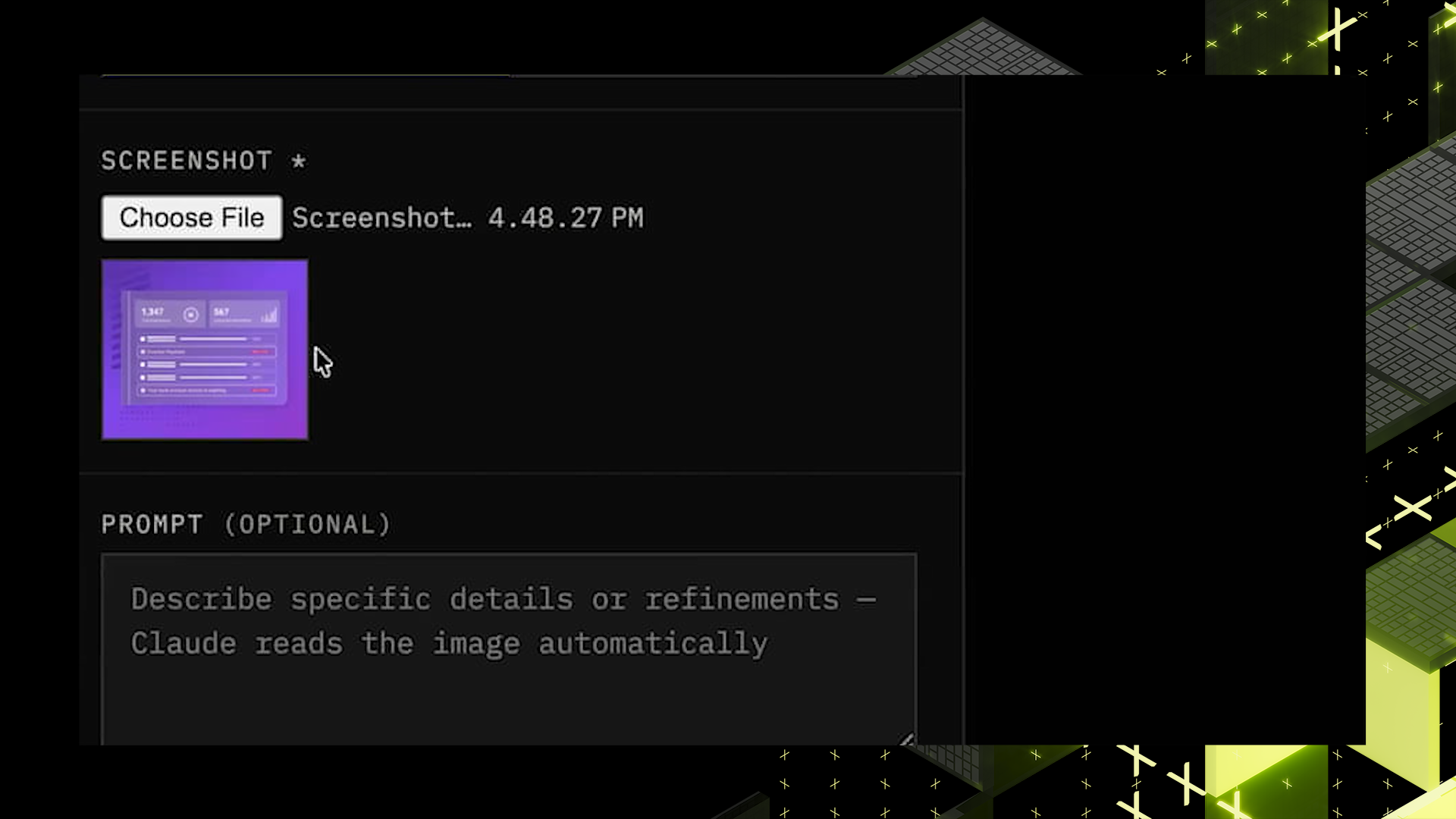
Before this update, two kinds of work still created drag. Product resources were needed to make the site feel like a usable destination, and older visuals still needed a repeatable path into the new web style.
- Product tours and demo videos needed a cleaner experience with live content, browse paths, and embedded viewing rather than static scaffolding.
- Designers had many existing visuals to update, and rebuilding each one from scratch would not scale across the site.
- Even when a transformed image looked close, the team still needed a fast way to tune it and move it into the website workflow without extra handoff steps.
The result was familiar: useful content existed, but the system around it still required too much manual cleanup. That kind of friction slows publishing, creates inconsistency, and makes a growing website harder to sustain.
How the Workflow Changed
Kevin's update addresses both sides of the problem in plain terms. On the site itself, product tours and demo videos now load as live resources with standardized navigation, filtering, search, and embedded viewing. In the creative workflow, an existing visual can move through generation, adjustment, and publishing along a single connected path.
- Adds live product tours with featured content, searchable lists, and standardized navigation
- Adds live demo video browsing with embeds that make the resource library easier to use
- Transforms an existing visual into the new site style through the product image agent
- Lets designers fine-tune text and layout inside the app before publishing
- Sends the finished asset into the website workflow from the same flow
"How do we take the velocity, expand it to more members of the creative design team, and be able to churn out these assets a lot quicker." — Kevin Qi
What matters here is the connection between experience and production. Visitors get a cleaner resource destination, while designers get a workflow that reduces repeat work and shortens the path to a site-ready asset.
Why This Work Matters
For site visitors, the improvement is usability. Product resources are easier to find, open, and explore without leaving the page. For the creative and web teams, the improvement is throughput: more of the work can move through a repeatable system instead of custom rework each time.
- Visitors can browse product tours and demo videos in a more structured way
- Designers can start from an existing visual instead of rebuilding each asset from zero
- Web and creative teams can keep output more visually consistent across the site
- The publishing path becomes shorter because generation, editing, and handoff sit closer together
The next concrete step is to keep routing new product resources and refreshed visuals through the same workflow so the site can expand without adding the same manual work back in.
A Better Team Surface
Peers responded to the update by calling out how much was happening, especially the shift from a single person's local workflow to something more usable for the broader creative team. That is the right read on the demo: the value is not just a nicer asset, but a better operating surface for the people who have to ship many of them.
The broader signal is cultural. This is the kind of builder-led work that makes AI transformation tangible at Abnormal: take a messy, repeated task, turn it into a usable system, and make the result easier for the next teammate to build on.
