
Normal business behavior is always changing. Vendors change their invoicing processes, employees move between teams, and new devices join the network. Behavioral AI accounts for those events by learning what normal looks like and evaluating activity against that baseline over time.
But not every security decision is a behavioral one. Security teams also have policies and priorities shaped by the needs of their business. For example, a trusted vendor’s domain should always be safelisted unless its mailbox is known to be compromised. Hacktivist language targeting company leadership should be treated as an attack, even when the message contains no obvious signs of malicious intent. Historically, putting those decisions into practice meant translating them into detection logic by hand and keeping that logic current.
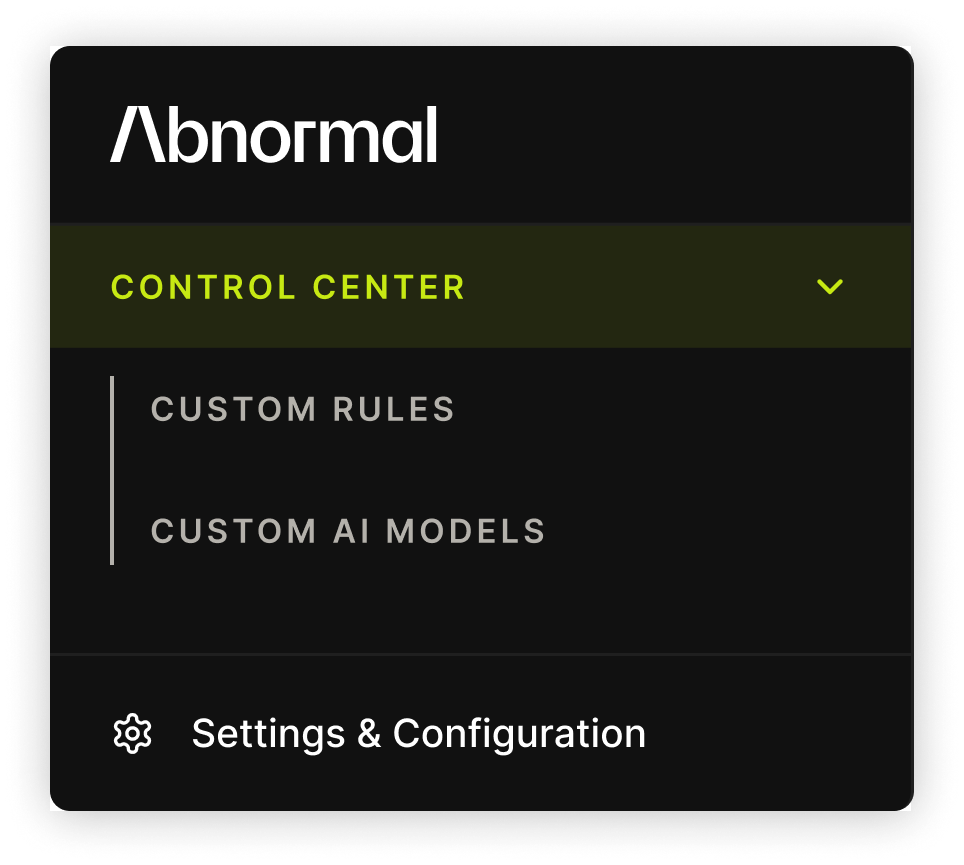
Today, Control Center for Inbound Email Security removes that tradeoff, giving teams control through conditions they can define and patterns they can describe, layered on top of Abnormal’s behavioral AI.
Control What You Can Define and Describe
Rules work well when a team knows exactly what it wants to define. But not every detection fits neatly into a rule. Some are better expressed as a tone, intent, or broader concept that an analyst can recognize but has no clean attribute to match. Turning that into a rule often means navigating complex data models, writing specialized detection logic, and dealing with the rule rot that comes from maintaining it by hand.
Security teams shouldn’t have to engineer the detection to express what they need. With Control Center, they don’t have to.
Introducing Custom Rules and Custom AI Models
Control Center gives teams two ways to put those business decisions into practice: define the conditions with Custom Rules or describe the pattern with Custom AI Models.
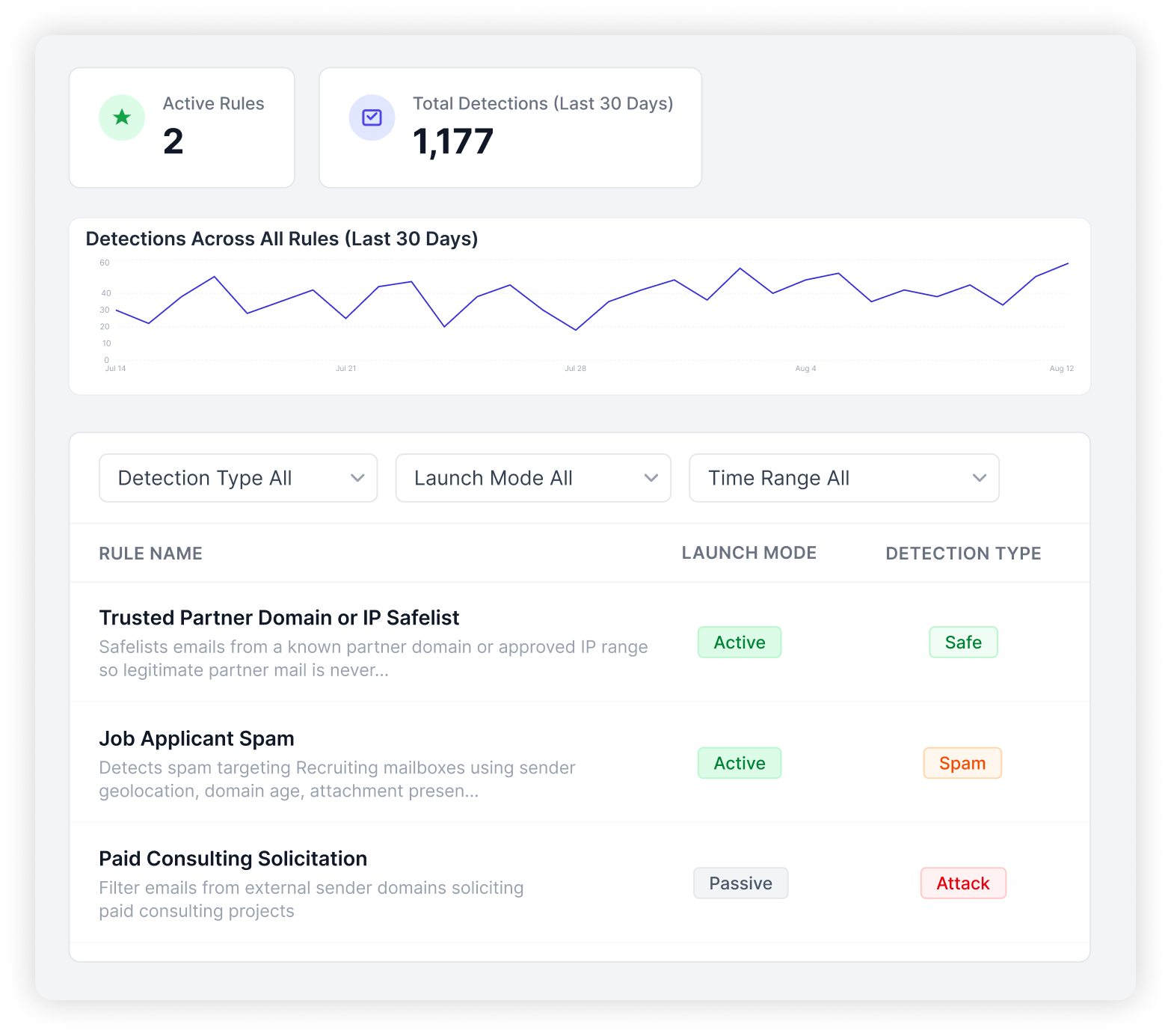
Custom Rules (Early Access) let teams enforce precise, organization-specific policies using conditions they define. Analysts can build a rule from scratch using more than 50 attributes and AND, OR, and Except When logic, without learning a proprietary query language. Rules can apply across the organization or be scoped to individual users.
Analysts can test a rule against real email before it takes action. Passive mode then lets them see which messages the rule matches without enforcement, so they can move it to Active mode with confidence.
Example: Attackers send fake invoices that appear to come from a trusted vendor’s domain but fail DMARC because they weren’t sent through its authorized mail servers. A failed DMARC check isn’t always malicious, but for this vendor, the security team doesn’t want a judgment call. They want a guarantee. A rule can block inbound mail from that domain whenever DMARC fails.
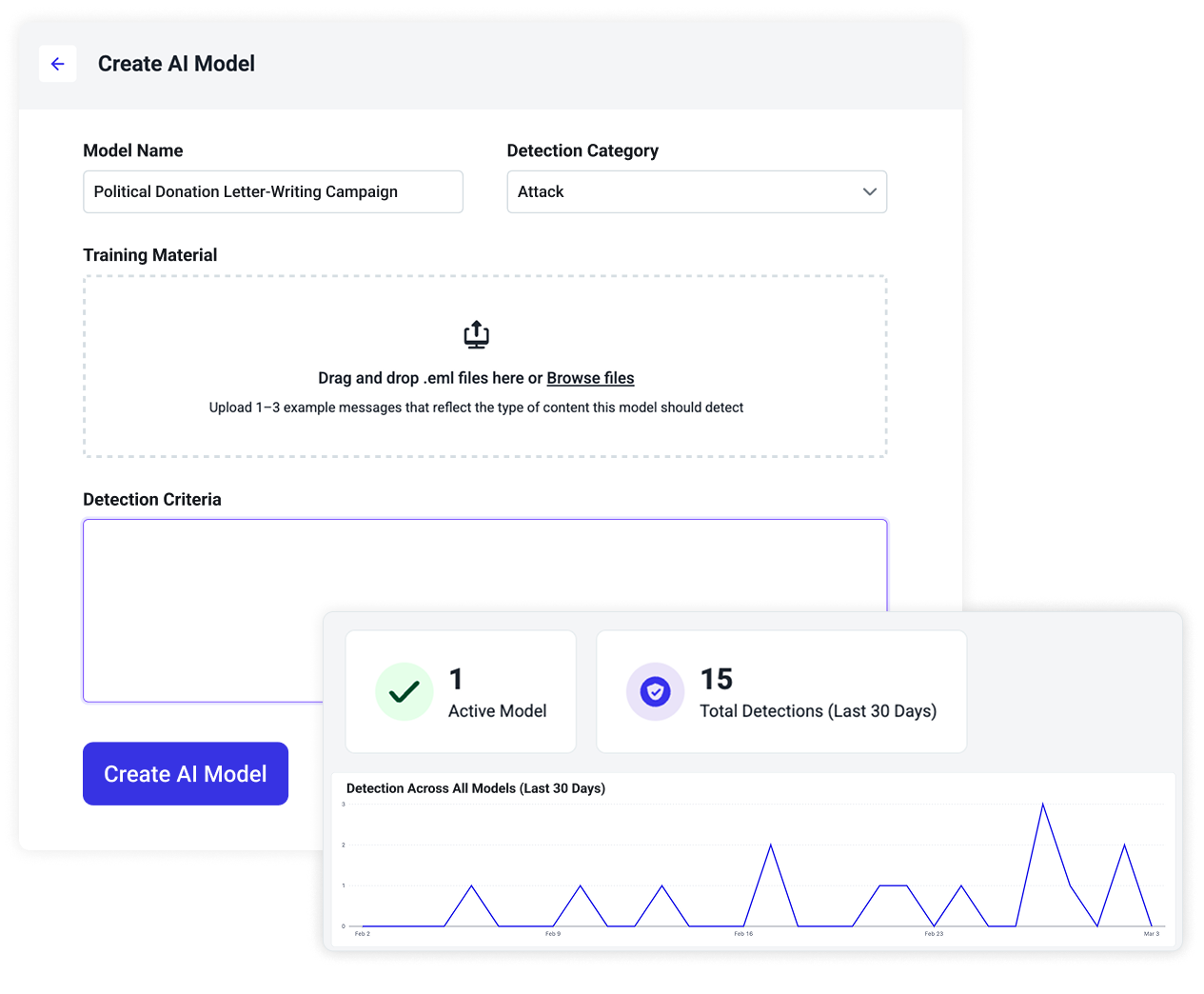
Custom AI Models (Generally Available) extend that control to patterns that are easier to describe than define. An analyst might know exactly what they want to catch, even when the pattern is unique to their organization and can’t be reduced to a set of attributes. Instead of translating that requirement into increasingly complex detection logic, they can describe it in natural language to create a dedicated model.
Teams don’t have to guess whether a model will work before putting it into production. Each model is backtested against recent organizational mail, showing what it would have caught, which messages it would have flagged, and how much it overlaps with Abnormal’s core behavioral detection. From there, it can run in Passive mode before the team trusts it to act.
Example: A company becomes the target of a harassment campaign aimed at its executives. The senders and wording change with every wave, but the tone and intent remain the same. With no clean attribute to build a rule around, a short description is enough to create a model that recognizes variants of the campaign.
Both Custom Rules and Custom AI Models assign a verdict of Attack, Spam, or Safe, with remediation following the organization’s existing settings. When the layers disagree, the security team’s own judgment takes precedence: Custom Rules override Custom AI Models, which override Abnormal’s core AI detection.
Why This Matters for Modern Defenders
For most email security tools, greater control still comes with detection engineering. Legacy secure email gateways rely on hand-maintained rules that need constant upkeep. Newer point tools change the interface, but not the underlying problem. Teams still have to learn a proprietary query language before writing a single rule, and the work only grows from there. Every new attack pattern means another rule to write, test, and maintain.
The result is a second detection system the security team has to maintain by hand, separate from the AI already protecting the organization.
Control Center is built differently. Teams can add their own custom detections without creating another detection system alongside the one already protecting them.
Control Without Compromise
Behavioral AI should do the work it’s best at: understanding behavior, recognizing change, and finding threats that static logic misses. Security teams should have the final say when their own knowledge, policies, or priorities matter more.
Until now, getting both meant a tradeoff. Teams could rely on AI for detection, but adding their own requirements meant taking on the work of encoding and maintaining them by hand. Control Center removes that tradeoff. Teams can define the conditions they know, describe the patterns they recognize, and leave the underlying detection engineering to Abnormal.
Behavioral AI stays at the core. Control is there when you need it.
Schedule a Demo
The above is intended to outline our general product direction. It is intended for information purposes only, and may not be incorporated into any contract. It is not a commitment to deliver any material, code, or functionality, and should not be relied upon in making purchasing decisions. The development, release, and timing of any features or functionality described for Abnormal AI’s products remain at the sole discretion of Abnormal AI and is subject to change.