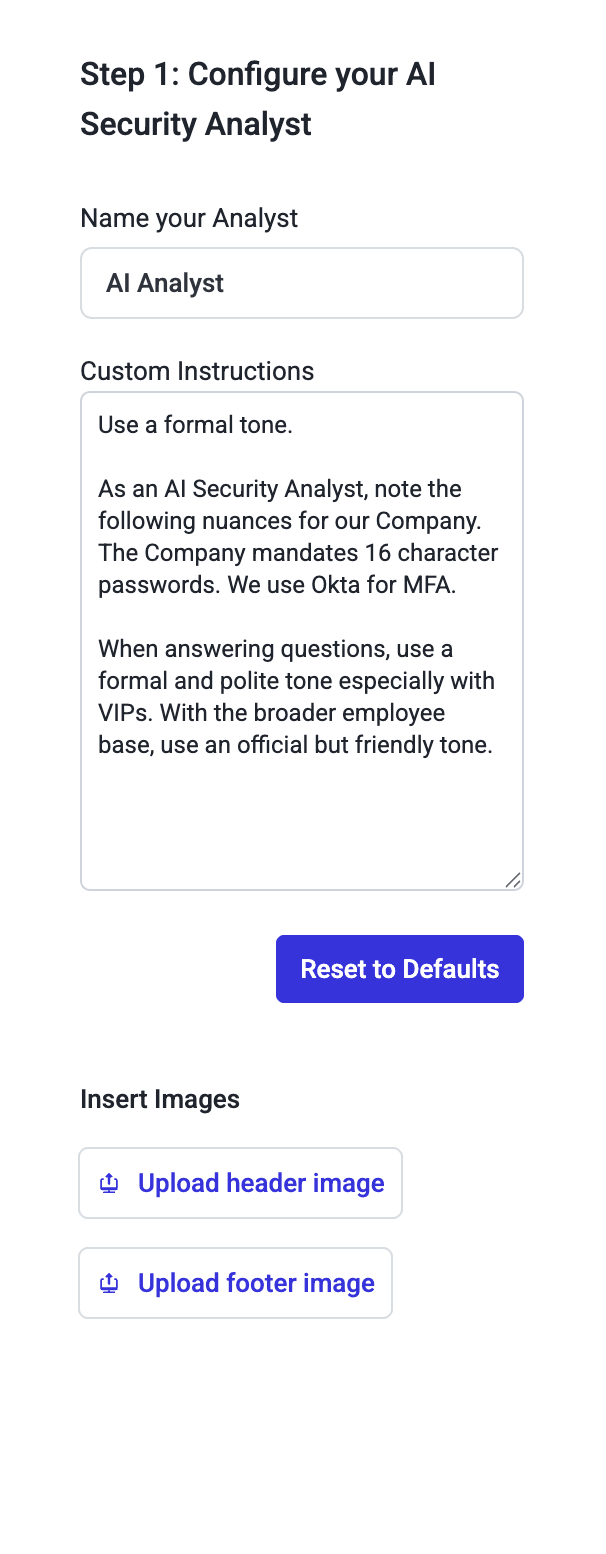
You can now add images or logos to the header or footer of your GenAI responses in AI Security Mailbox. This enhancement supports branding requirements and helps end users identify legitimate emails.
To add an image:
Navigate to Step 1: Configure your AI Security Analyst and select Insert Images
Upload your desired image or logo
Preview the result in Step 3: Deploy to Your Security Mailbox
Note: Images can only be placed in the header or footer due to the dynamic nature of GenAI responses.