
The Recap
The first version of the Outbound Workbench, shown by Tim Davison, set out to solve a fragmentation problem. An SDR's accounts arrive from many streams: inbound leads, marketing qualified leads, whitespace in a rep's territory, and closed-lost or disqualified opportunities primed to re-engage, and each stream used to have its own prioritization logic that lived in isolated scripts and weekly Nora emails.
That version pulled the streams into a single shared view. Heavy AI scoring ran ahead of time on Nora Cloud on a schedule; results were saved to shared storage, and the Nora Hub laid out every account in one pane. An account fingerprint skipped re-scoring accounts that had barely changed, and rep activity was pulled back from the CRM to check whether the prioritization was working.
Andy has since built on that foundation and pushed it toward what happens after an account is surfaced.
The New Capabilities
Andy started from a simple read of how the SDR day actually splits. A smaller share goes to the specialized work of getting a person to respond and book a meeting. The larger share is pure execution: reach out to this person, follow up on that email, send a connection request, work down the pile. The backlog behind that pile can run long. Someone signed up for a webinar, someone booked a demo, and each one needs a follow-up.
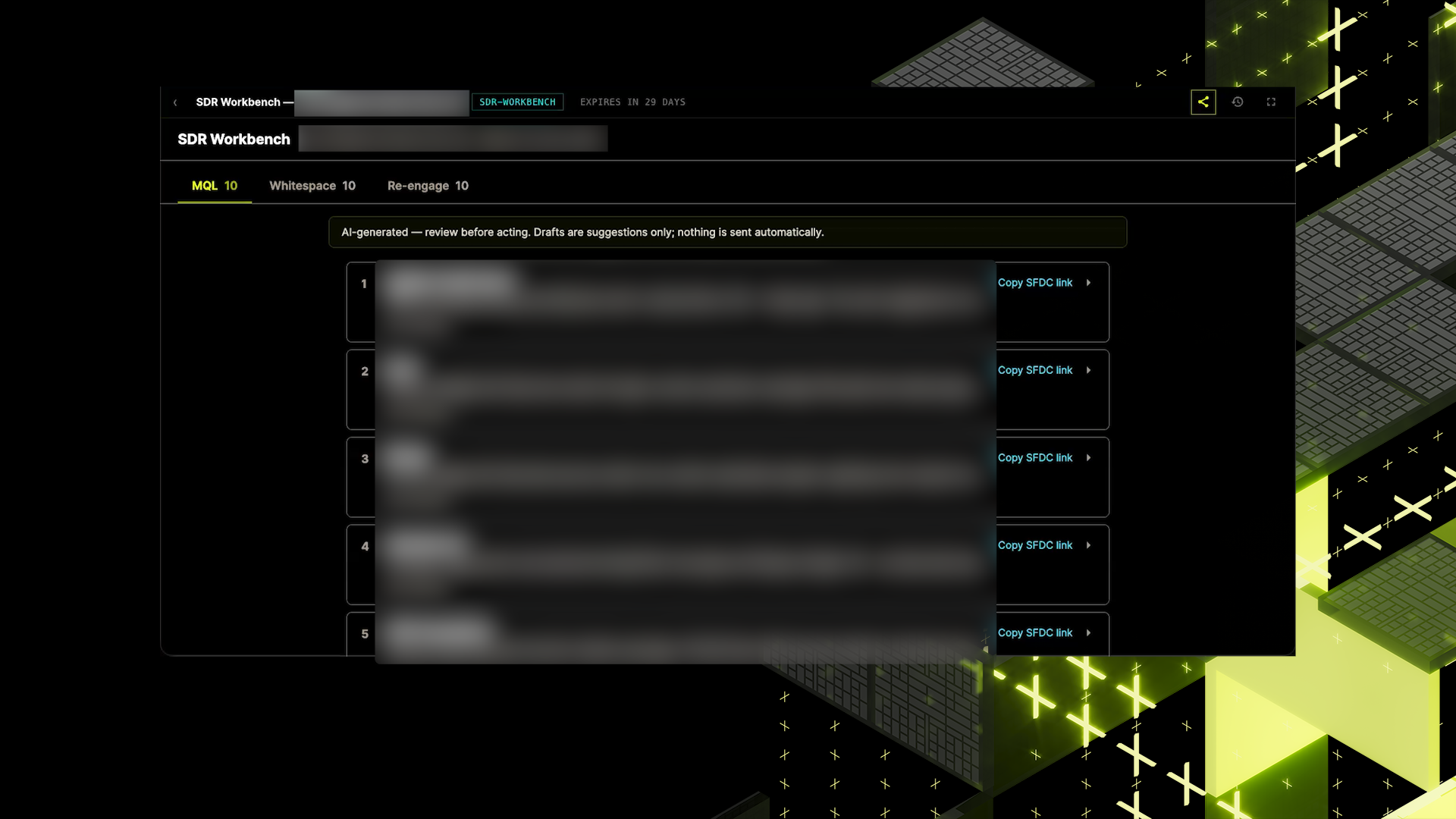
The bigger problem was the context switching. That context lived across several tools a rep had to hop between, and the constant switching pulled them out of the flow and slowed execution.
The reshaped Workbench answers that with a list a rep works straight down. It opens onto three sections: MQLs, the people who booked a demo or attended a webinar or event; Whitespace, the open accounts in a rep's territory they haven't reached out to yet; and Re-engagement, the accounts that disqualified earlier and are worth another follow-up.
Each item shows a TL;DR of the context, the person to contact, and the history of past outreach. The rep reads it, personalizes the outreach, and sends. Then, on to the next one. The context behind each item was assembled from the separate tools the rep used to switch into, so the grunt work of gathering and tab-switching is gone.
The design keeps the human in control. The only thing asked of the SDR is their judgment: is this the right time to reach out, and what should the message say, given what they know about this territory, this account, and these people? That is where a rep's time should go, not on shuffling between tools.
The Impact
The point of the reshape is speed with a human still in the loop. By assembling context ahead of time, the Workbench collapses the tab-switching that used to sit between a rep and each action, and lets them execute as fast as their own judgment allows.
It also levels the field. The best SDRs already move through their tasks quickly, and handing everyone the same pre-assembled context pulls the rest of the team closer to that pace.
Andy is candid that this is still early and that it looks simple. That is the intent. The goal is to help people execute as fast as possible, and a plain list they can trust beats a busy interface they have to decode.
Why the Loop Matters
The interesting part is the loop. Every action a rep takes feeds back in, so the next round prioritizes better or gives the rep a different list of tasks that actually work.
That feedback is what turns a static list into something built to improve. The more reps work the list, the more signal the Workbench has about which prioritizations are landing, and the sharper the next batch gets.
It is early days, and Andy is treating simplicity as a feature rather than a limitation. The bet is that SDRs actually need a fast, trustworthy execution surface.